
-
Syncing
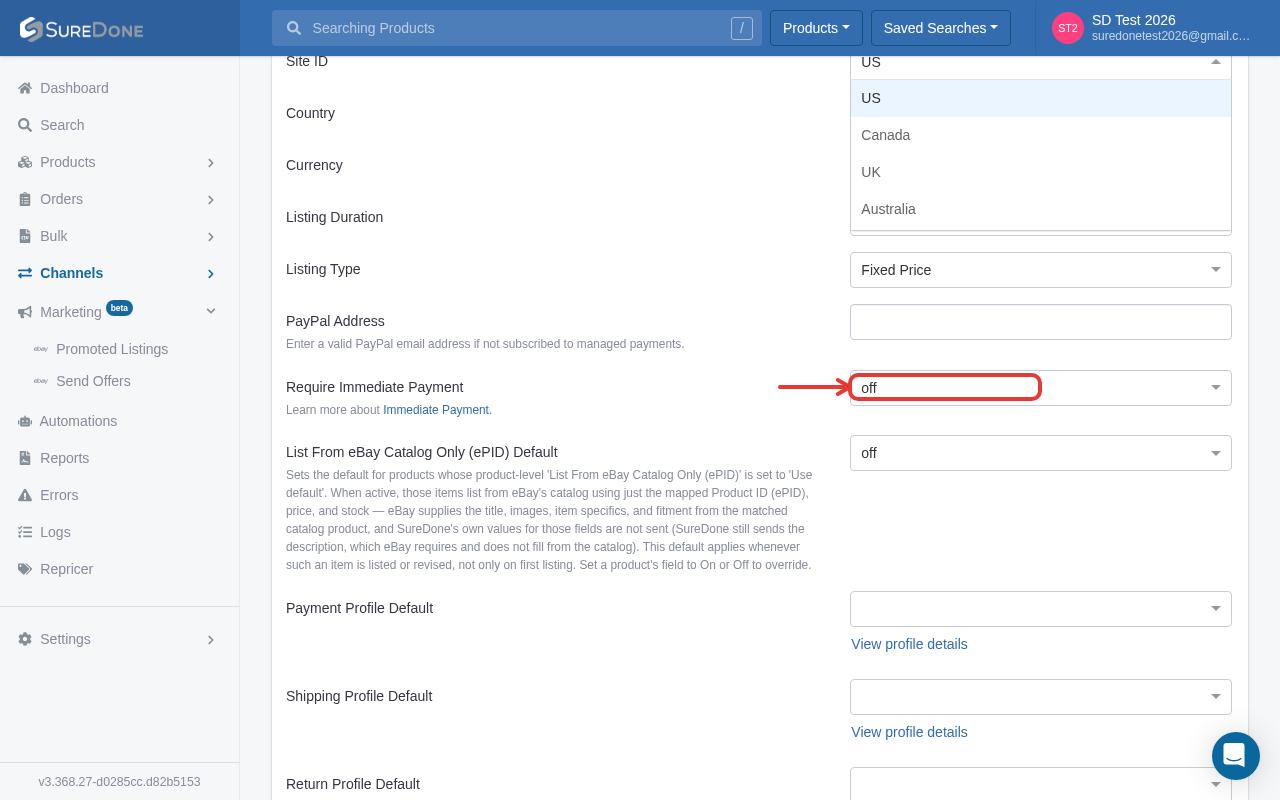
eBay Using Correct SiteID: To check and/or change your eBay Site ID, go to the Channels section in the left sidebar (or click the gear icon next to eBay in the Dashboard's Channels widget), open eBay, then click the Settings tab. The Site ID dropdown is under Account Defaults.
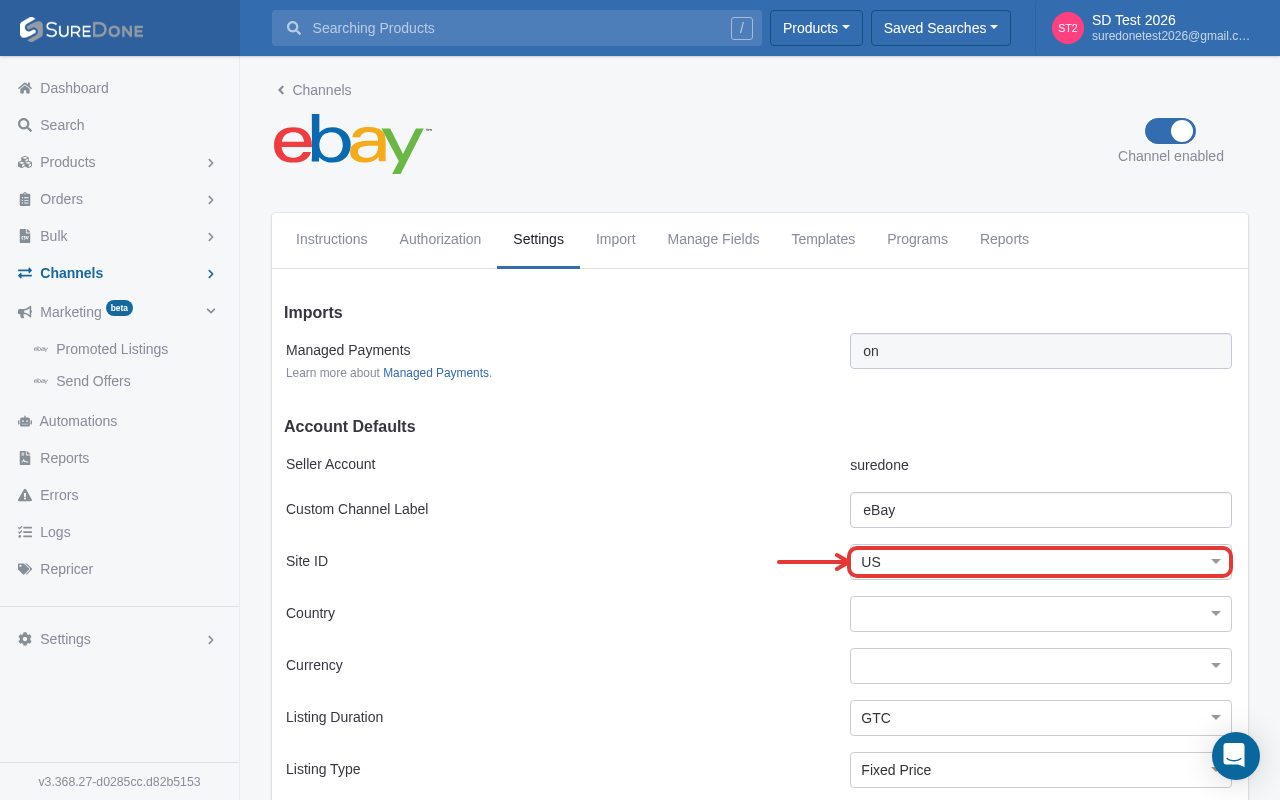
-
All or
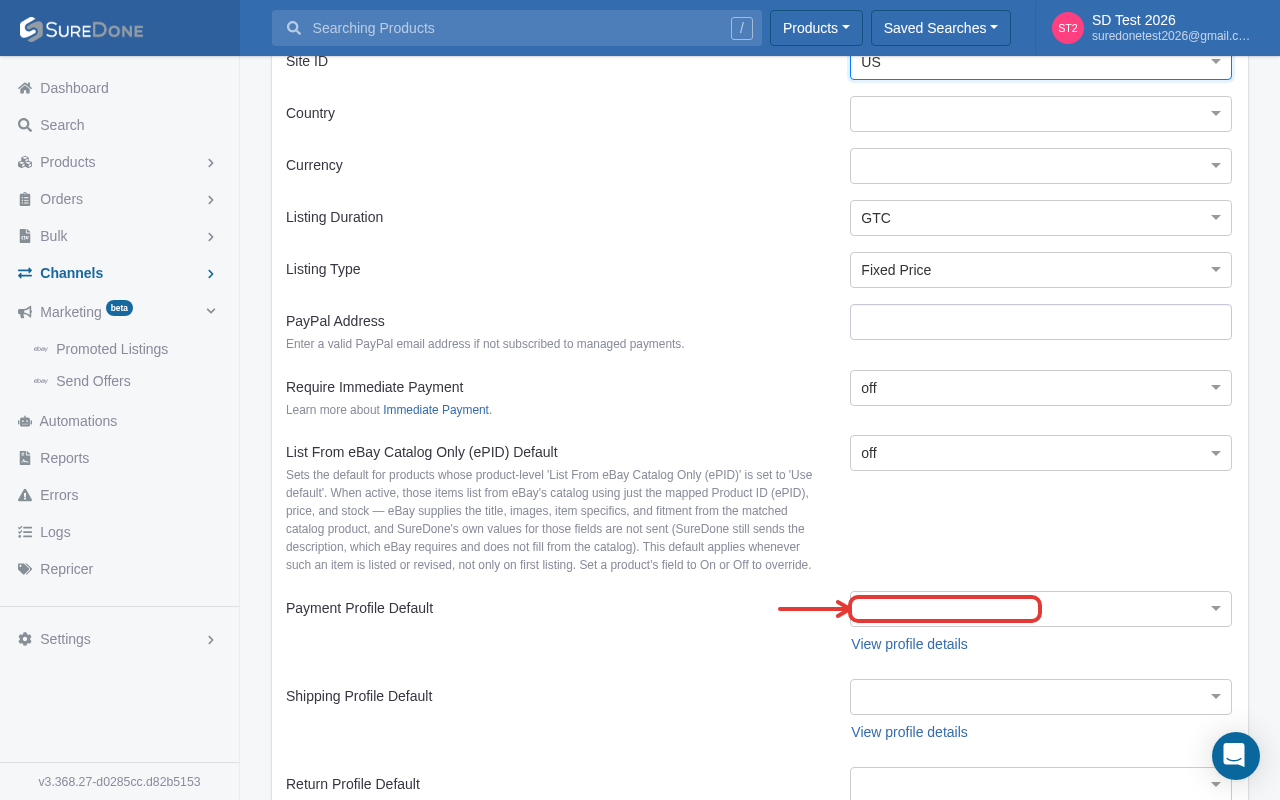
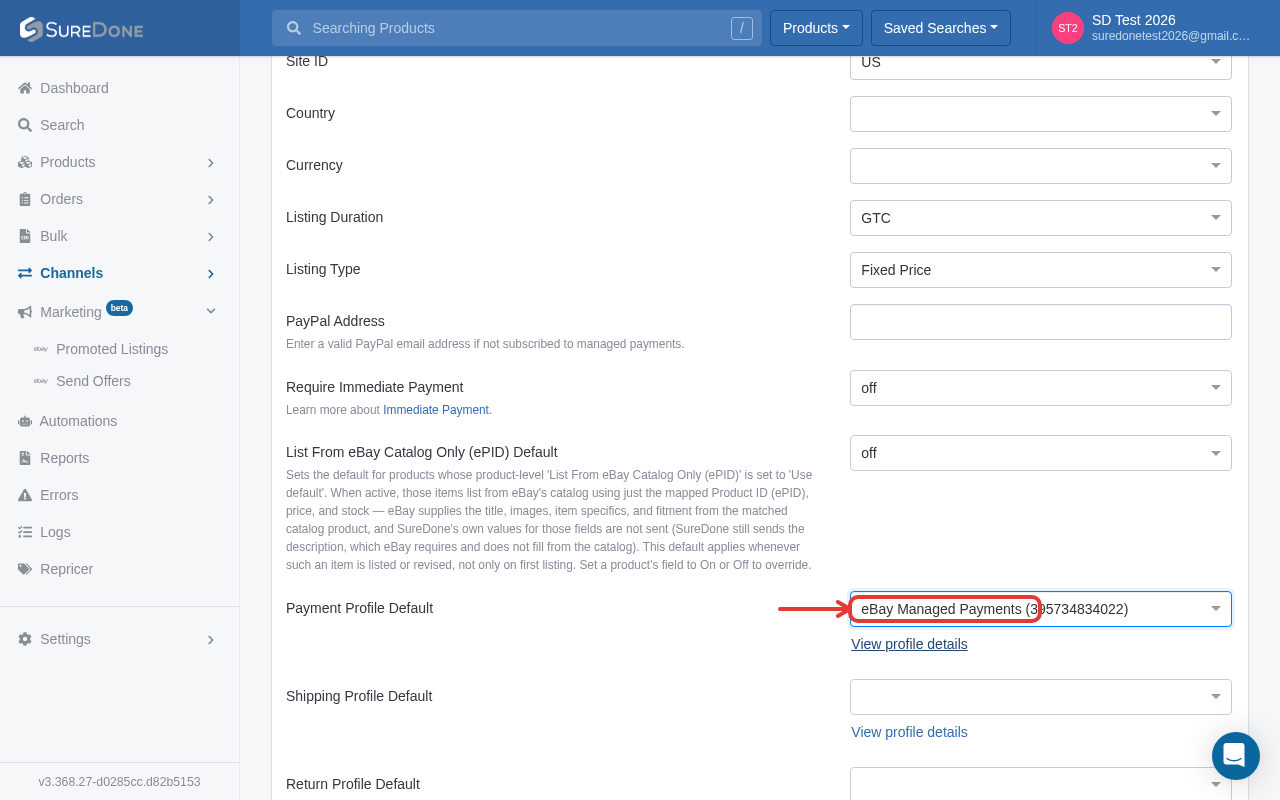
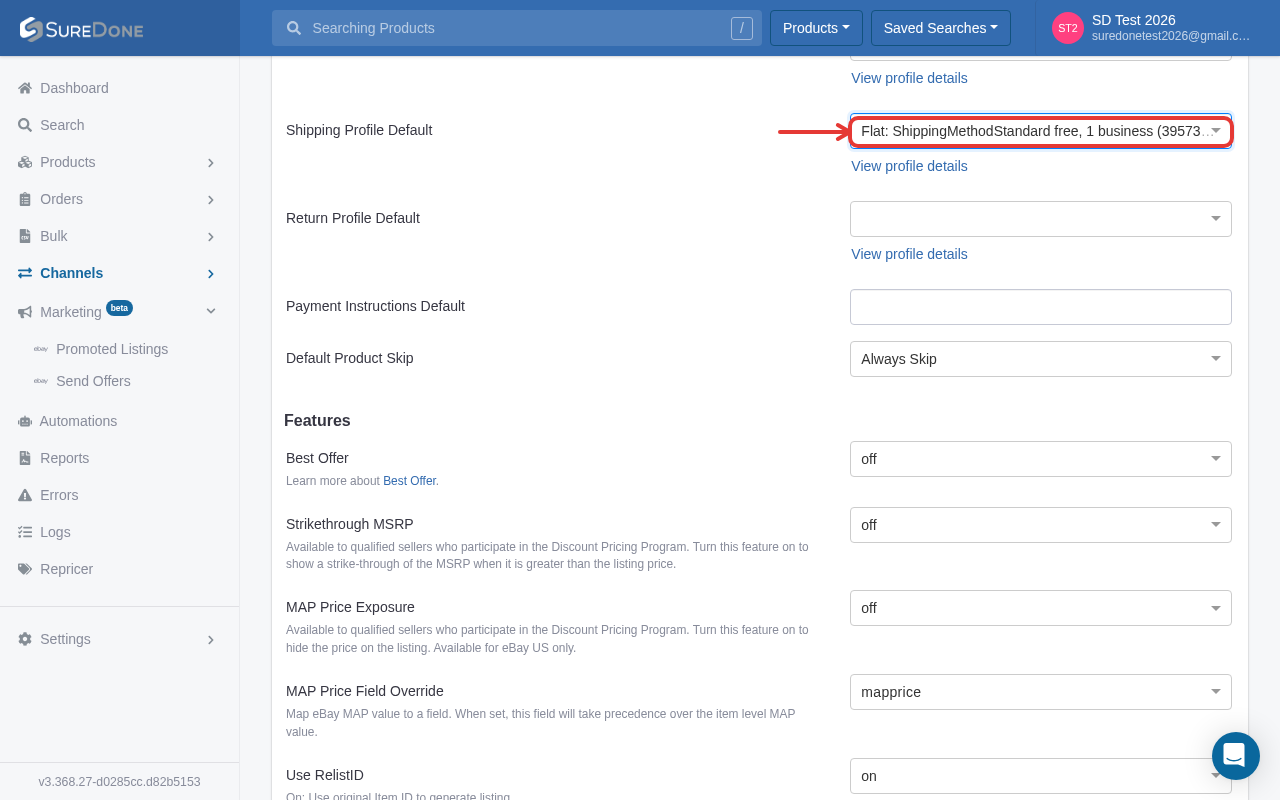
Nothing Profiles: Either you have a profile for shipping, payment and
return or you have none set. You can’t have profiles set for one or two out of
the three:
-
No Conflicting Shipping: International Shipping
and Domestic Shipping can have differing settings from one another. However,
within each type of shipping there cannot be conflicting settings. If the
following error is yielded, it best to first check your shipping settings to
see if it’s conflicting:

You can only offer flat rate shipping OR calculated shipping. Below is an example of how inconsistent shipping might look under your Domestic Shipping section:
-
Require Immediate Payment
and Orders Paid Sync: AutoPay is now labeled Require Immediate Payment, found on the eBay channel's Settings tab under Account Defaults. (Orders Paid Sync's current location was not reconfirmed in this pass — verify under the eBay channel's Import tab.)


We're software that helps growing brands & retailers grow and scale. Sync, sell and ship your products and inventory on online marketplaces and storefronts faster, easier and more accurately.
Learn more noweBay Tips
The following is some tips concerning eBay. This solution page will be updated periodically: