You can use Reports to streamline better sales and marketing strategies for multiple marketplaces. Let us take over the task of data tracking and analysis while you focus your precious time to strategize on increasing sales using insights from the Reports. Our reports are categorized into Accounting, Inventory, Purchasing, Sales, and Fulfillment. You can find reports under each category and open and customize the ones most relevant to you.
For example, you may use our COGS summary report to get a quick look at your costs over a period by SKU or dig deep into the Detailed COGS
You can view Reports under various categories, filter by date range, and download the data file.
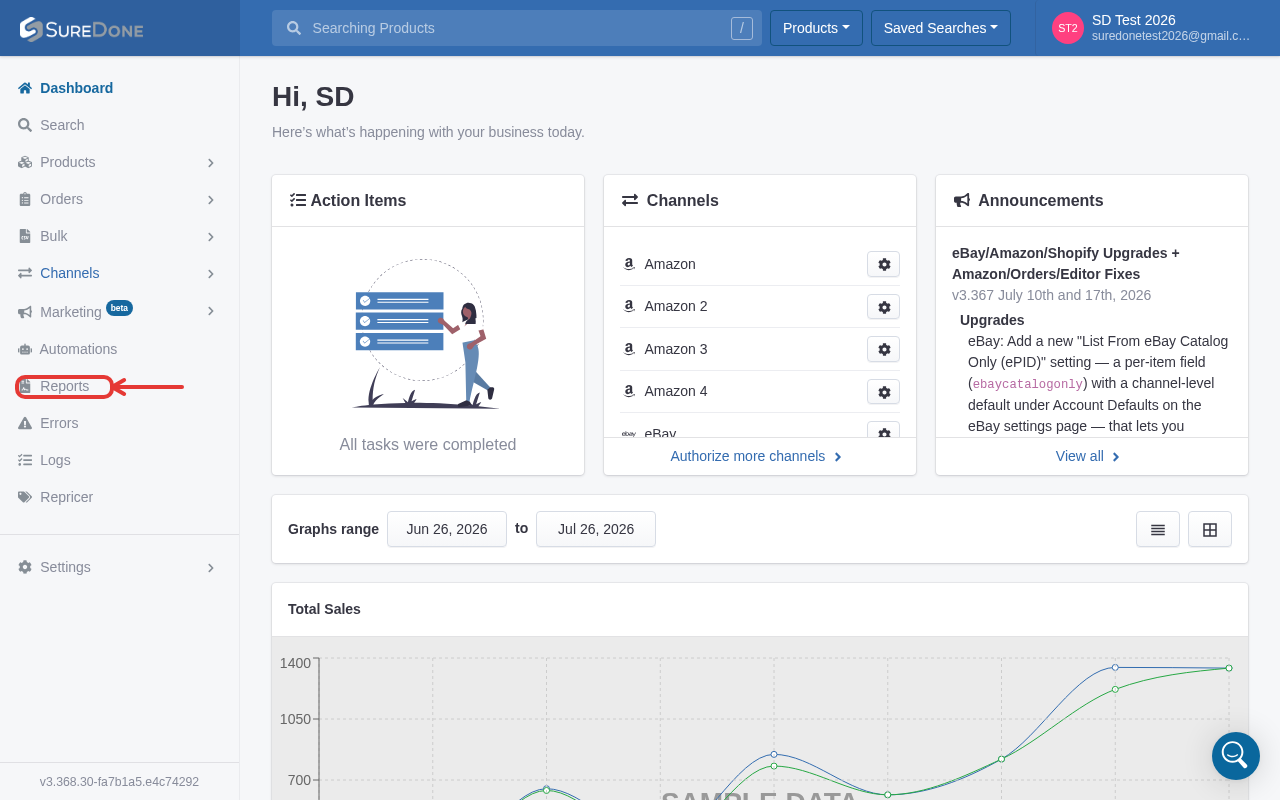
- To access, find Reports on the sidebar:
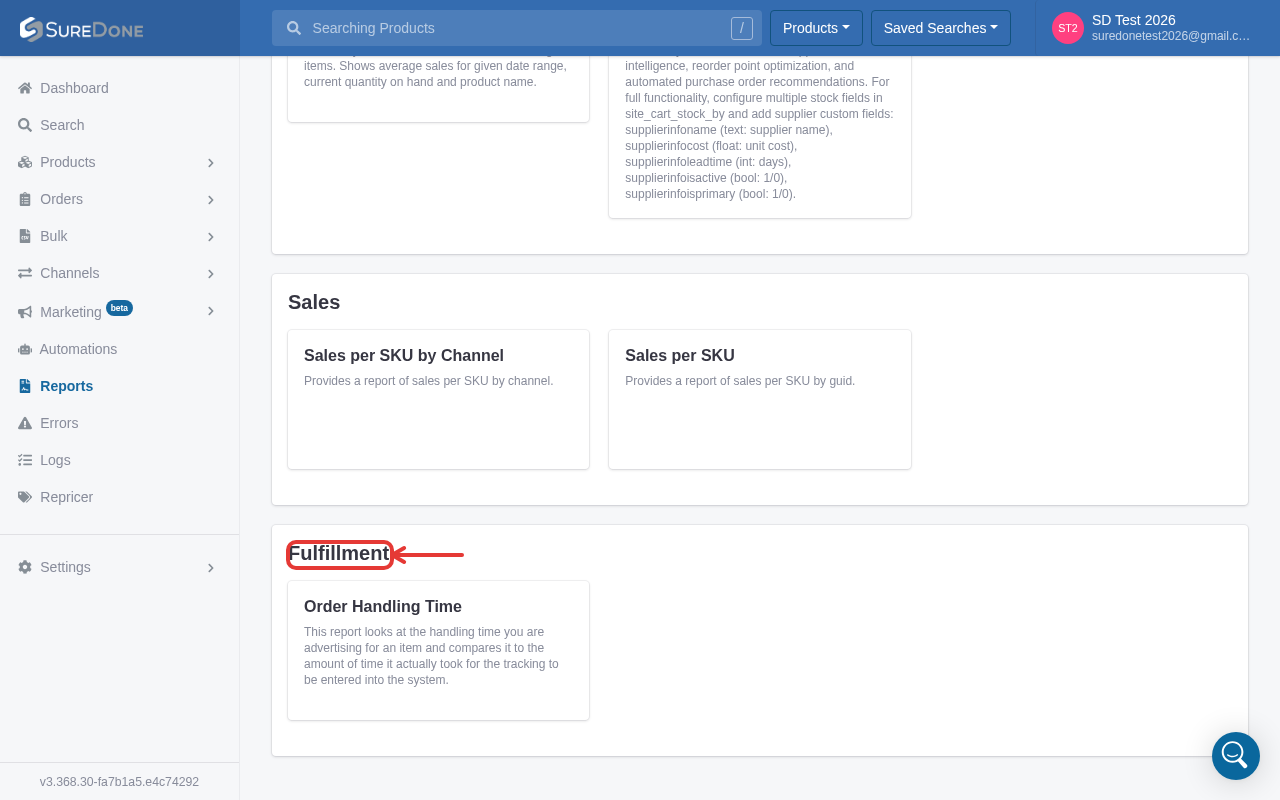
- You will see Reports sorted into several categories. Click on individual reports to access them:
3. Select a date range for your report

Note: the More filters panel also lets you jump to a quick date range (Past 7 days, Past 30 days, This month, This year, or Past 365 days) in addition to filtering by sku (or guid/brand/order id depending on the report) and limiting the number of results.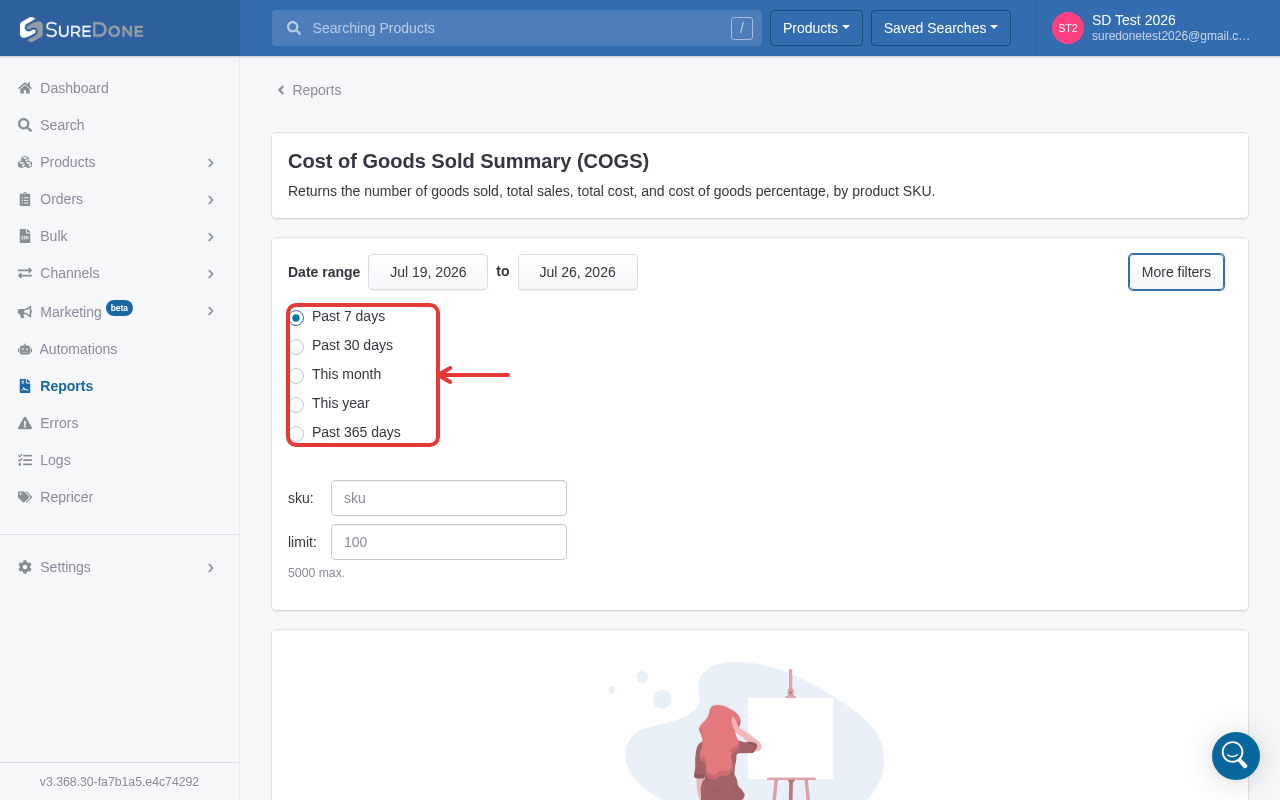
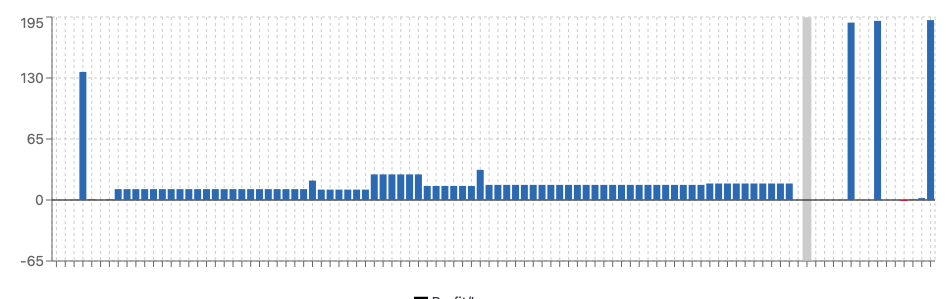
4. You will be presented with your report.
You will notice a visual representation (bar chart) and
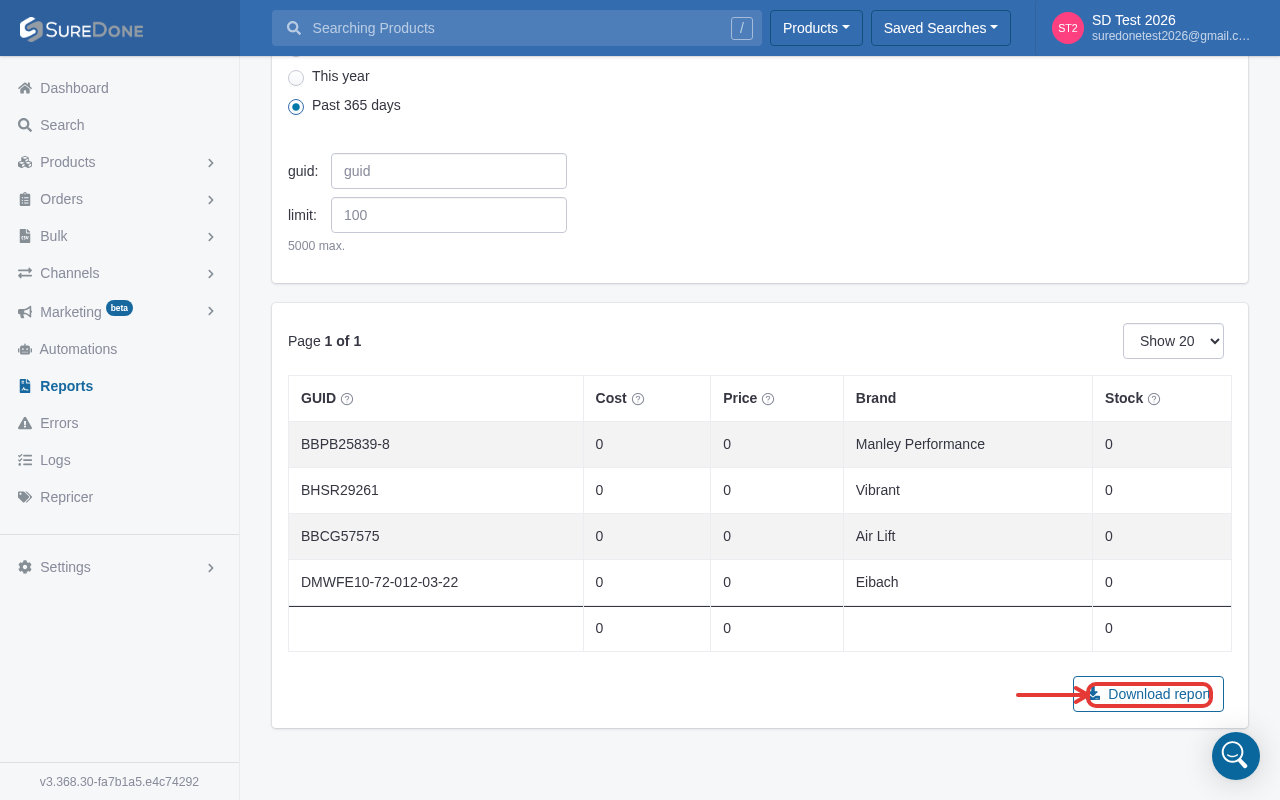
4. You can download your report using the download report button at the bottom of the page: